Eye Care Tips
Digital Eye Strain: What It Really Does to Your Eyes
Hours of screen time are quietly straining your eyes. Here's what's actually happening — and what actually helps.
The average adult now spends somewhere between 10 and 13 hours per day looking at screens. Work monitors, phones, tablets, televisions — the cumulative total is something no previous generation of eyes has had to manage.
Digital eye strain is not a buzzword. It is a recognized clinical condition, and if you've been experiencing headaches, dry eyes, blurred vision, or difficulty focusing at the end of the day — your screens are almost certainly contributing.
Here's what's actually happening, and what genuinely helps.
What Digital Eye Strain Actually Is
When you look at a screen, your eyes work harder than they do for most other visual tasks. Screens emit light directly at your eyes rather than reflecting it, the contrast between bright screens and darker surroundings creates continuous adjustment work, and crucially — you blink far less than normal.
The average person blinks 15 to 20 times per minute in normal conditions. In front of a screen, that rate drops to 5 to 7 times per minute. Blinking is how your eyes resurface with tear film and stay lubricated. Blink less, and the tear film breaks down. The result is that gritty, burning, tired feeling that defines the end of a heavy screen day.
This is not a disease. But sustained over months and years, it meaningfully affects your quality of life — and for people already predisposed to dry eye conditions, it can tip a manageable situation into a chronic one.
The Symptoms Worth Taking Seriously
Most people tolerate digital eye strain as an inevitable side effect of modern work. These symptoms suggest your eyes are telling you something worth listening to:
Headaches that begin behind or around the eyes after two to three hours of screen time are a consistent indicator of eye strain — often caused by uncorrected refractive error that the eyes are working hard to compensate for.
Blurred vision that clears when you look away from the screen is a sign of accommodative fatigue — the focusing muscles inside the eye growing tired from sustained near work.
Increasing sensitivity to light at the end of the day, particularly from overhead fluorescent lighting, can indicate surface inflammation from chronic dry eye.
Difficulty switching focus between near and far objects — noticing that it takes a moment for distance vision to sharpen after screen work — suggests the focusing system needs attention.
What Actually Helps
There is a lot of noise around screen health. Some advice is genuinely useful. Some is not.
The 20-20-20 rule works. Every 20 minutes, look at something 20 feet away for 20 seconds. This interrupts sustained accommodation and gives the focusing muscles a brief but meaningful rest. It sounds deceptively simple — and it genuinely makes a difference when practiced consistently.
Screen brightness and contrast matter. Your screen should never be dramatically brighter than the room around it. The contrast your eyes have to constantly adjust to is a significant driver of fatigue. Reducing screen brightness in low-light conditions and increasing ambient room lighting during the day reduces that strain considerably.
Lubricating eye drops are appropriate and beneficial. Preservative-free artificial tears used two to three times during a heavy screen day can meaningfully reduce surface dryness symptoms. They are not a crutch — they are the appropriate tool for the task.
Blue light glasses have modest evidence. They are not the cure-all they are often marketed as, but some patients do report reduced glare discomfort. The more impactful factor is screen brightness and room lighting rather than blue light specifically.
Uncorrected refractive error is the most underdiagnosed driver of screen strain. Many adults in their late thirties and forties are developing presbyopia — the gradual loss of near focusing ability that comes with age — and are compensating unconsciously. A comprehensive eye exam with a specific conversation about your screen habits can reveal whether a prescription update or dedicated computer glasses would address most of your symptoms.
When to See a Specialist
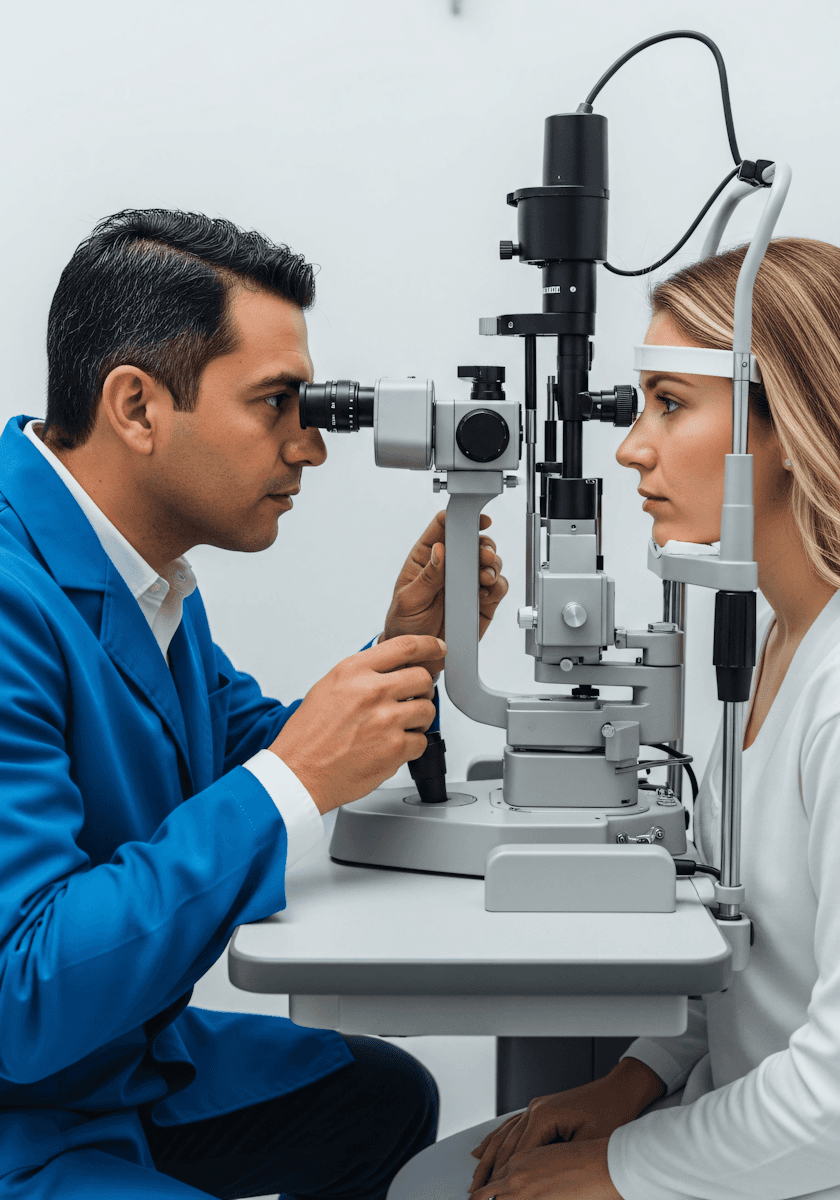
Screen-related symptoms that persist after a day away from screens, that are getting progressively worse, or that include double vision or sudden blurring should be evaluated by an ophthalmologist rather than managed with self-care alone.
The eyes are remarkably adaptive — but adaptation has limits. An annual comprehensive exam is the single most effective thing you can do to stay ahead of the cumulative demands modern life places on your vision.
Written By
Harley Fenz
Refractive & Cornea Surgeon
4 min read
March 12, 2025
Concerned About Your Eyes?
Same-week appointments available. A comprehensive eye exam takes 45–90 minutes and includes a full assessment.